Time-stamped history
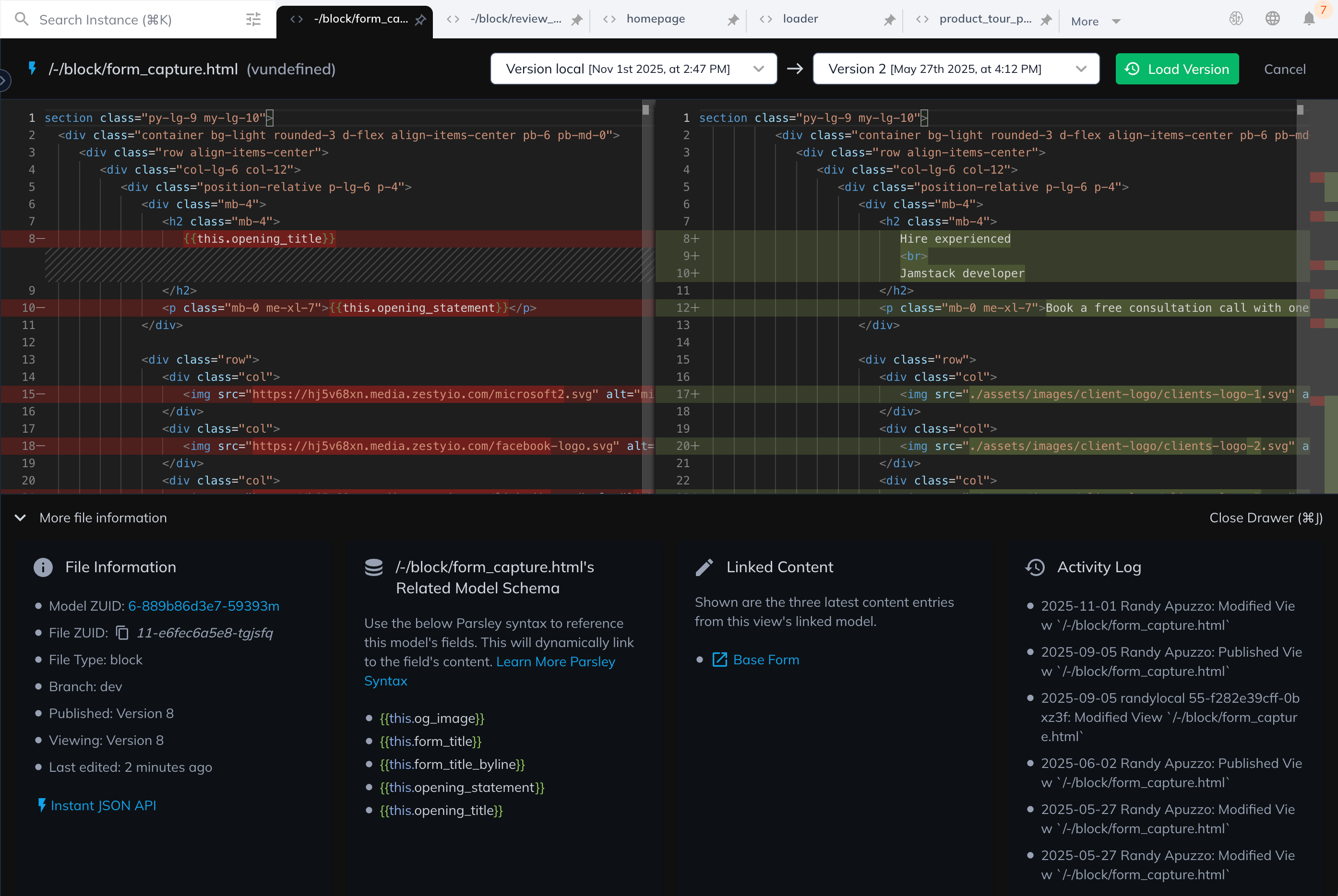
Every template, snippet, and layout carries a full timeline of changes with authorship and context.
Template versioning & rollbacks
Content.One keeps every template change tracked, reviewable, and recoverable. Develop in the SaaS editor or VS Code, sync with GitHub, and restore any version with confidence.
Trusted by fast-moving teams


Every template revision is logged with side-by-side diffs so you can review, approve, and restore — a single template or an entire release — without downtime.
Time-stamped history
Every template, snippet, and layout carries a full timeline of changes with authorship and context.
Inline diffs
Side-by-side highlights show exactly what changed before you publish or merge.
One-click rollbacks
Restore a previous version instantly — no downtime, no developer ticket, no lost work.
GitHub-native
Connect Content.One to your repo. Branch, raise PRs, and trigger CI/CD pipelines automatically.
Snapshots
Freeze a labelled point-in-time before a campaign launch or a risky refactor — restore it in one call.
Audit trails
Full change logs capture who, what, and when for governance, compliance, and post-incident review.
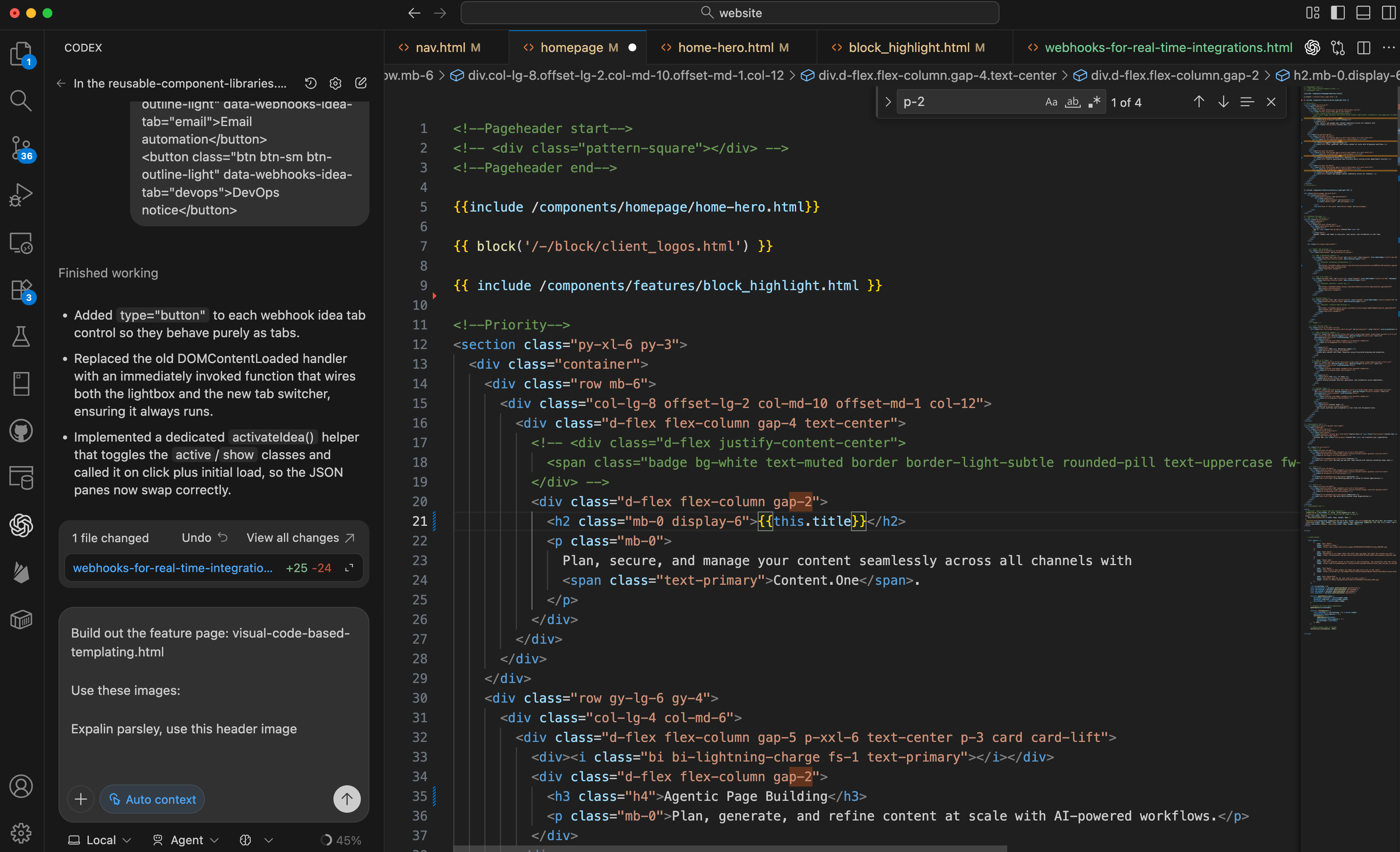
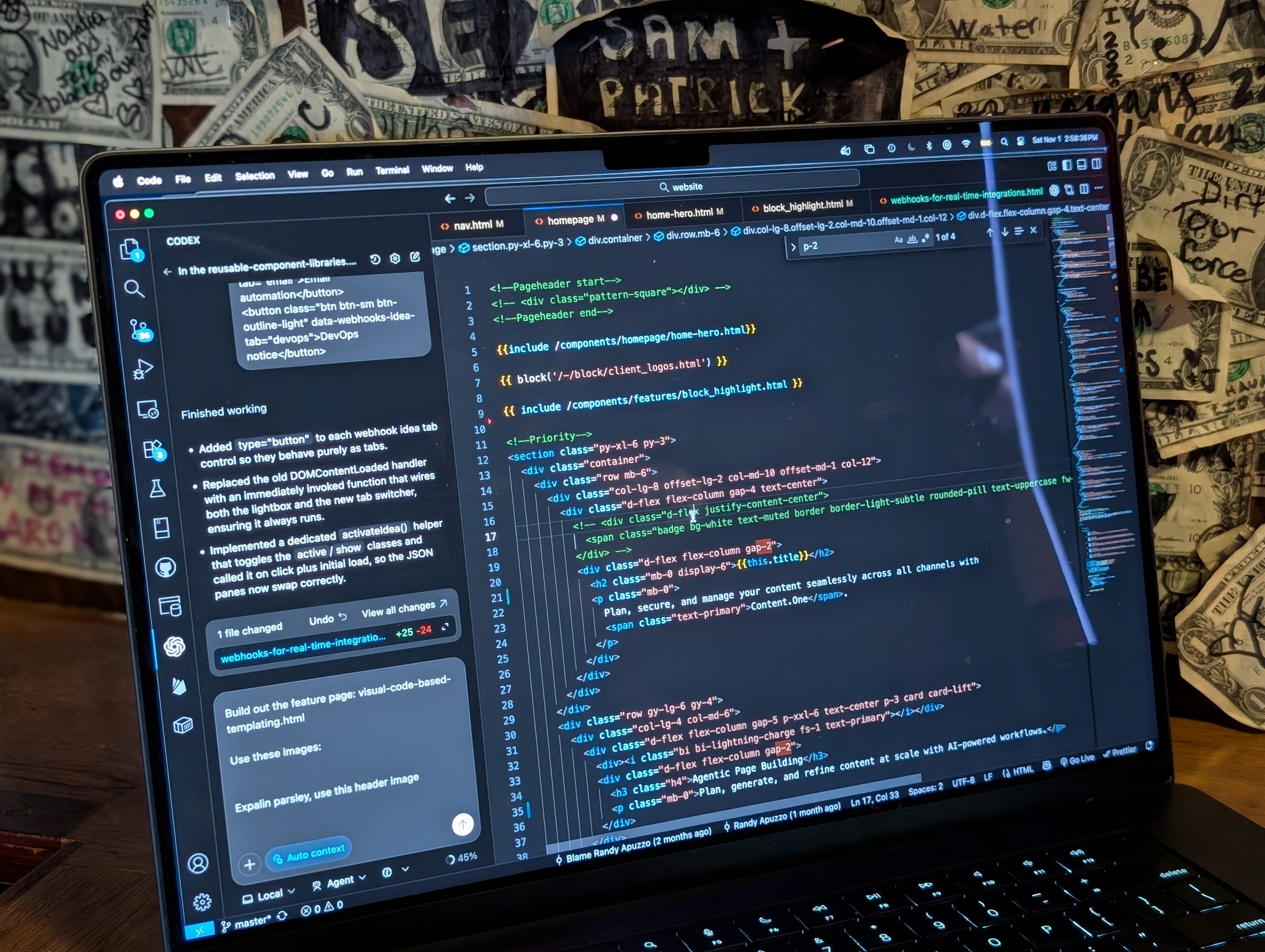
Spin up the browser-based editor for quick fixes or connect VS Code for full local control. Content.One's CLI syncs templates, assets, and styles so you can commit, branch, and merge with ease.
Instant SaaS editor
Mirrors production for rapid iterations — no local setup required.
VS Code integration
Auto-sync keeps local workspace and cloud environments in lockstep.
GitHub / GitLab
Push changes to your repo for peer review and CI/CD automation.
Environment promotion
Move templates between dev, stage, and production with a single command.
Review change logs, approve updates, and restore templates without leaving Content.One. Everyone — marketing to engineering — sees a single source of truth.
Leave review notes on individual versions before they publish.
Lock templates for QA, then unlock once approvals are complete.
Duplicate a template to experiment without touching production.
Role-based permissions protect production and gate destructive actions.
Use Content.One's command palette or CLI to snapshot templates, promote changes between environments, or roll back instantly.
# Pull environment to local workspace
zesty pull --instance 8-abc-123 --models --views

# Snapshot templates before editing
zesty snapshot create --label "pre-campaign-launch"

# Push updates back to Content.One
zesty push --views --assets
POST https://accounts.api.zesty.io/v1/instances/:instance_zuid/rollback
{
"view_zuid": "8-abc-123",
"target_version": "2024-02-10T18:42:00Z",
"notes": "Rollback landing page before campaign"
}git checkout -b feature/header-update
# Edit locally in VS Code, run tests
git commit -am "Update hero template"
git push origin feature/header-update
# Open PR → merge → Content.One deploys via webhookzesty pull and zesty push to sync templates between local and cloud environments.Version history, one-click rollbacks, and Git-native deploys make it safe to iterate quickly across every template.
Andrew M.
Crista C.
Becky W.


Petdesk is a booking application for veterinarian practices....
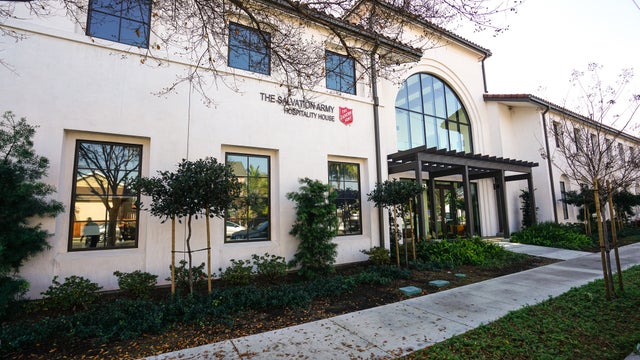

Content.One's collaboration with The Salvation Army underscores their commitment to delivering bespoke technical solutions tailored to the unique needs of...


Cornershop by Uber is a convenient grocery delivery service that allows customers to easily order groceries from their favorite local...


Sony Alphauniverse is a vibrant online community and platform dedicated to all things related to Sony Alpha cameras. It serves...
Book a free consultation call with one of our experts and get help with your next moves. It's always good to talk to an expert. It's free!